Full Movie In One Shot
The Guardian once ran a piece on the photographer Jason Shulman, who captured the entire duration of a movie in a single image.Final cut: films condensed into a single frame, in pictures. The Guardian, 16 May 2017. Inspired by it, I decided to reproduce the result, but computationally.
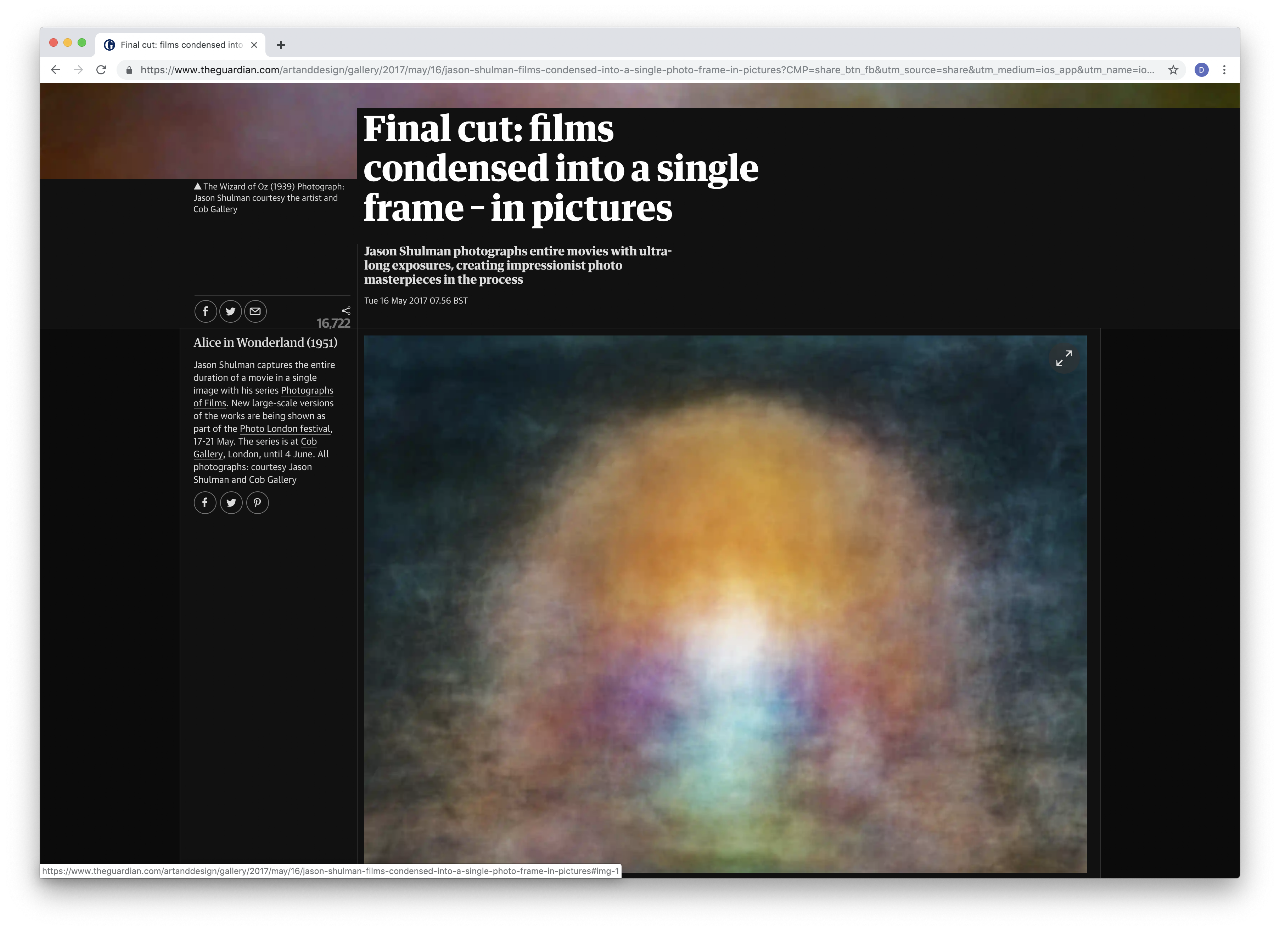
Rather than expose film in front of a camera, I wrote a small Python program that stacks every frame of a video file into one picture. The effect is equivalent to a single shot with an ultra-long exposure of the whole film. The raw output is usually a near-grey rectangle and needs a little colour correction afterwards (some levels work in Gimp or Photoshop).
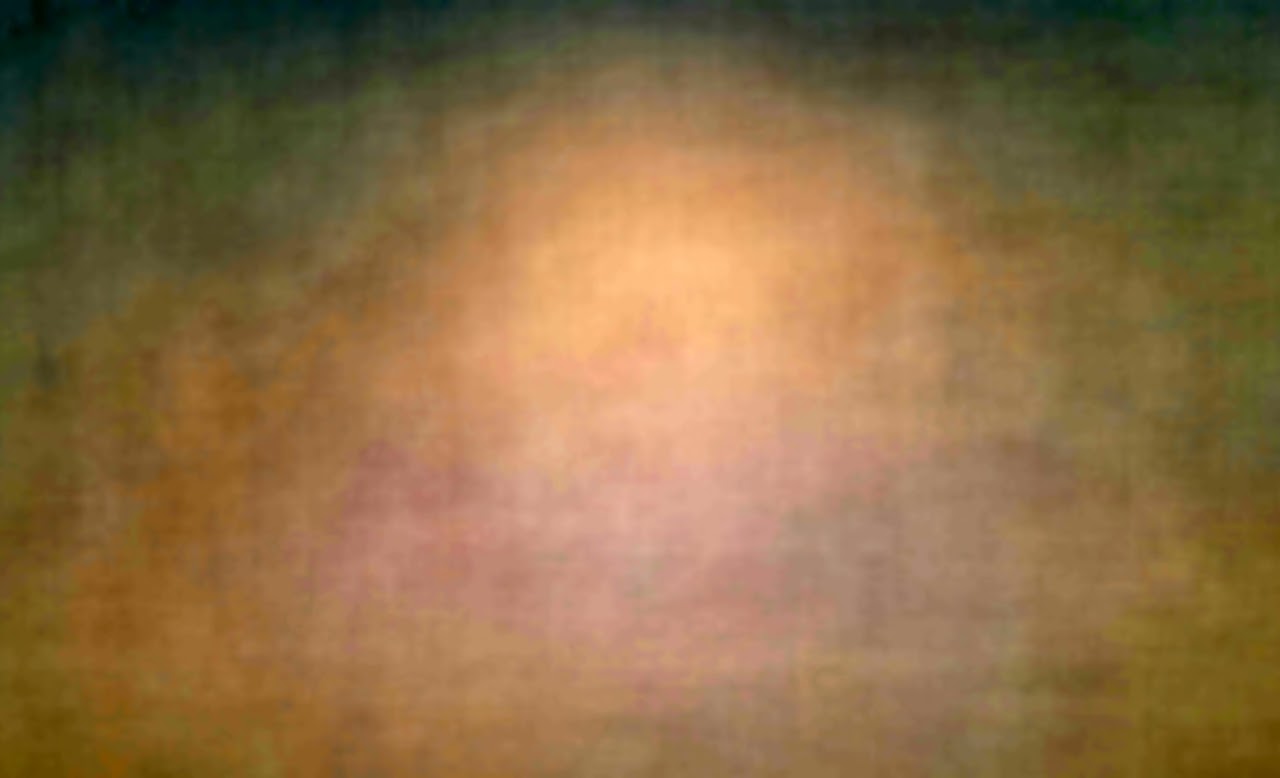
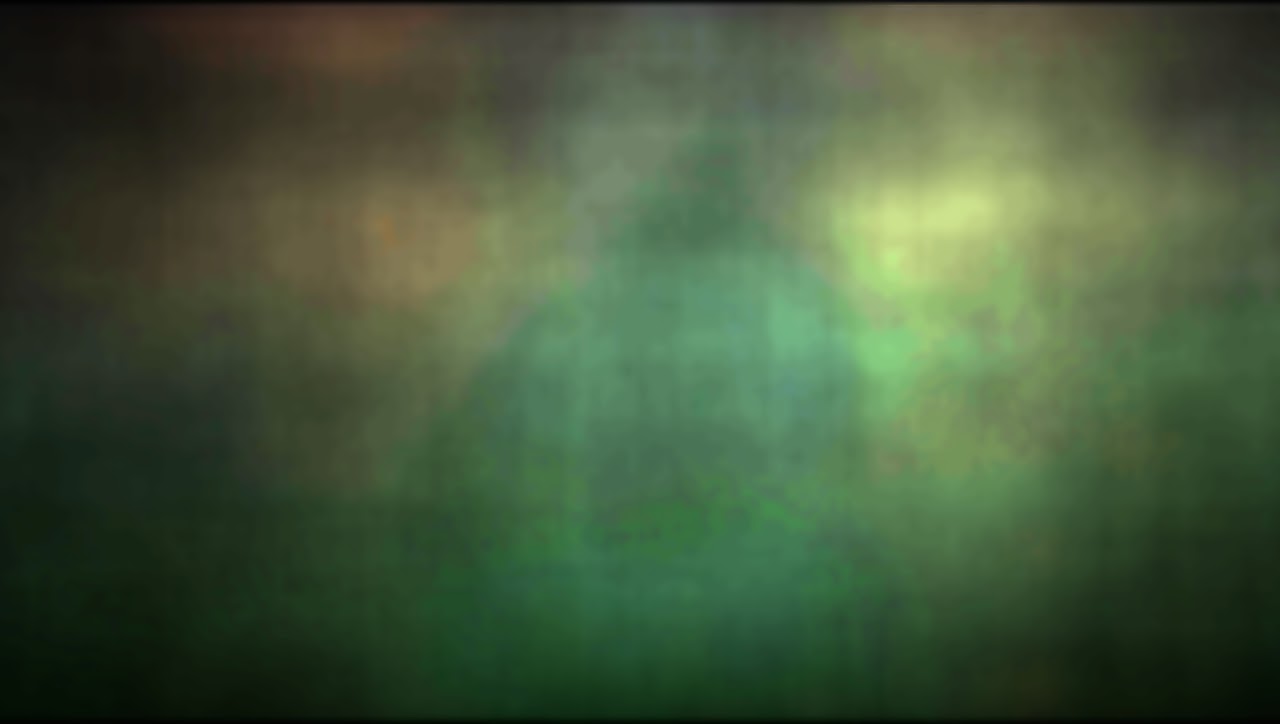
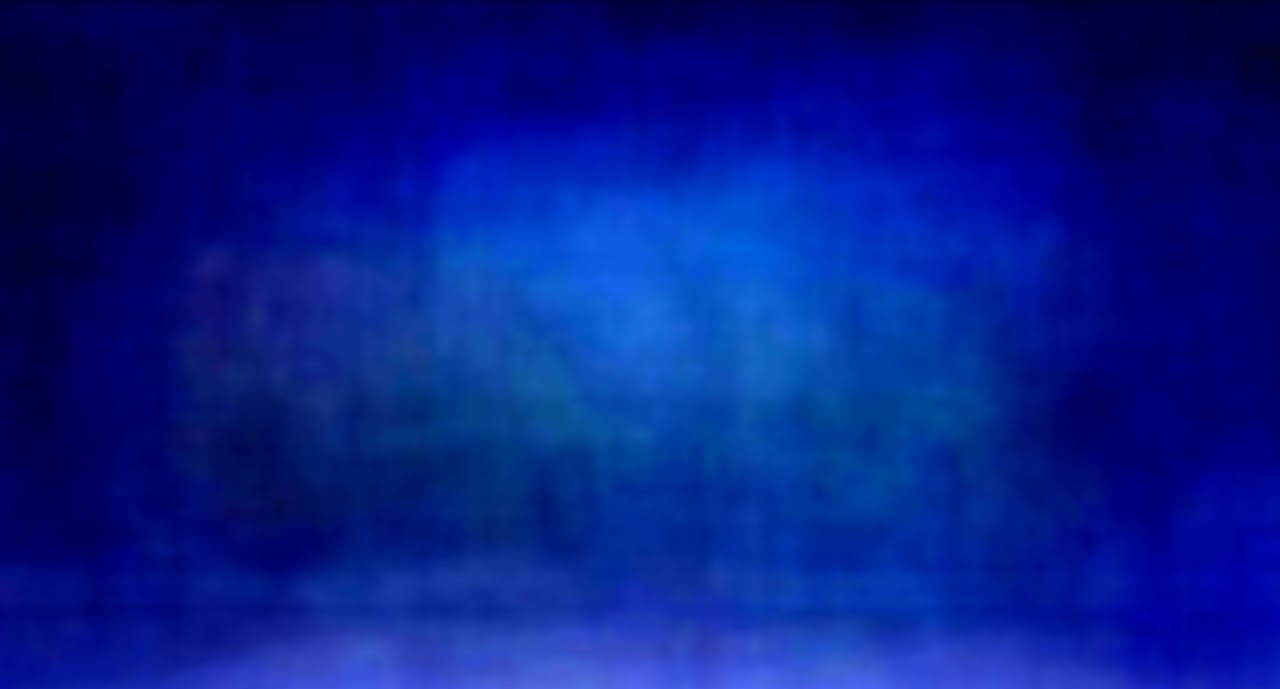
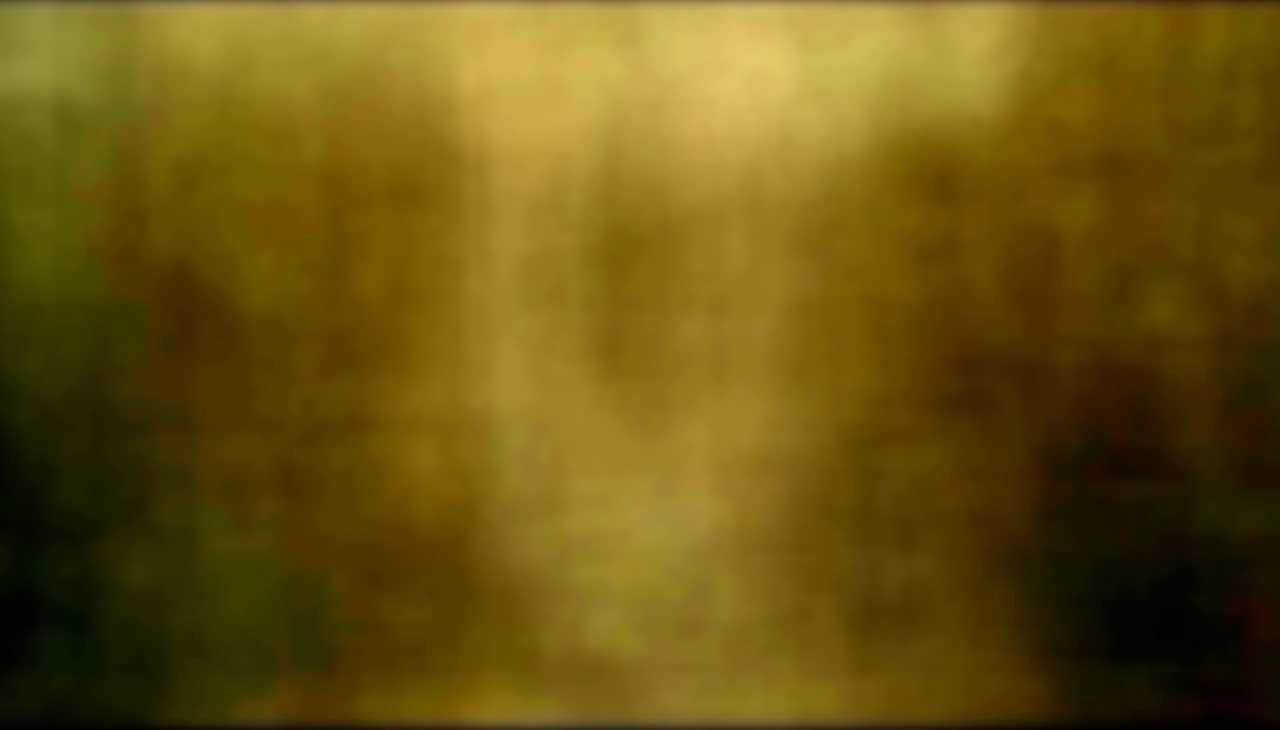
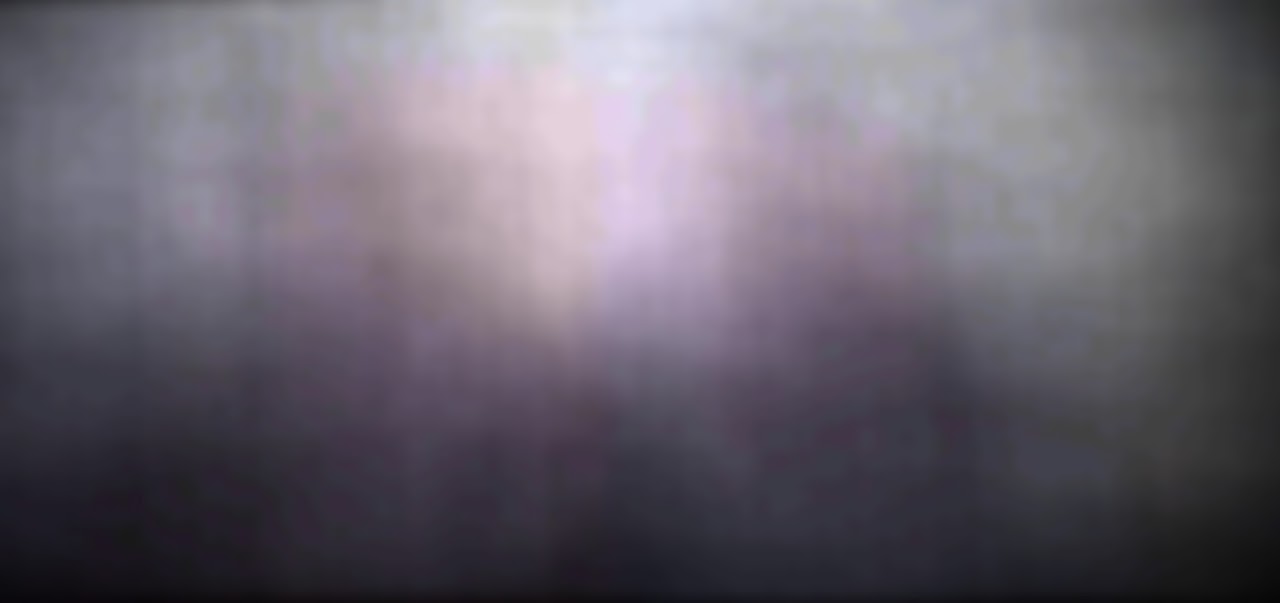

The whole thing is a few lines of OpenCV:
import cv2
import numpy as np
import click
from tqdm import tqdm

@click.command()
@click.argument("film")
@click.argument("output_image")
def convert(film, output_image):
    """Stack every frame of a video into a single picture."""
    capture = cv2.VideoCapture(film)
    total = capture.get(cv2.CAP_PROP_FRAME_COUNT)
    limit = int(total * 0.9)          # leave out the end titles
    stacked, frames = None, 0
    with tqdm(total=limit) as bar:
        while capture.isOpened() and frames < limit:
            ok, frame = capture.read()
            if not ok:
                break
            frame = frame.astype(np.float64)
            stacked = frame if stacked is None else stacked + frame
            frames += 1
            bar.update(1)
    stacked /= frames
    cv2.imwrite(output_image, stacked.astype(np.uint8))
    capture.release()

if __name__ == "__main__":
    convert()